
A sitewide noindex tag was quietly telling Google to drop every single page of a client’s WordPress site from search results. Nothing looked wrong to a visitor — the site loaded fine and the content was all there — but Google could not show any of it. Here is exactly how we found it, fixed it, and made sure it will not happen again.
The Problem: A Sitewide Noindex Nobody Could See
Spartan Cyber Defense is a Maryland cybersecurity consulting firm. Its WordPress site, built with Elementor and Rank Math, is how prospects find the firm — so when a routine SEO audit of spartancyberdefense.com turned up a sitewide noindex tag, it explained a lot. A noindex directive tells Google to drop a page from its results entirely. Applied across an entire site, that single setting makes every page invisible in search at once.
Nothing looked broken to a visitor. The pages loaded normally and the content was all there. That is exactly what makes this kind of issue dangerous: it is invisible unless you check what the page tells search engines, not what it shows people.
How We Diagnosed the Noindex Issue
We worked from the outside in: first confirming what Google actually sees, then tracing where the site produces that signal.
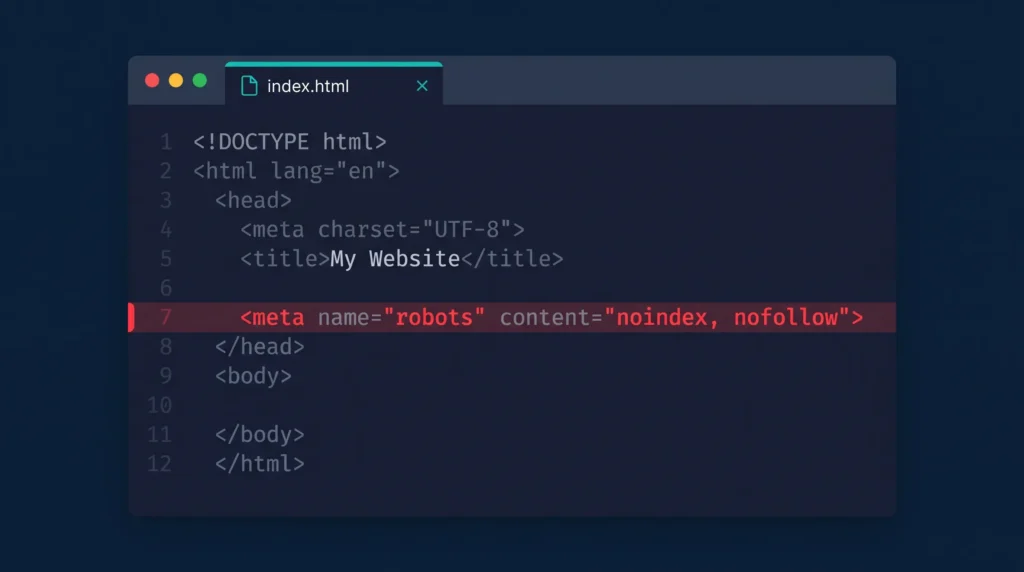
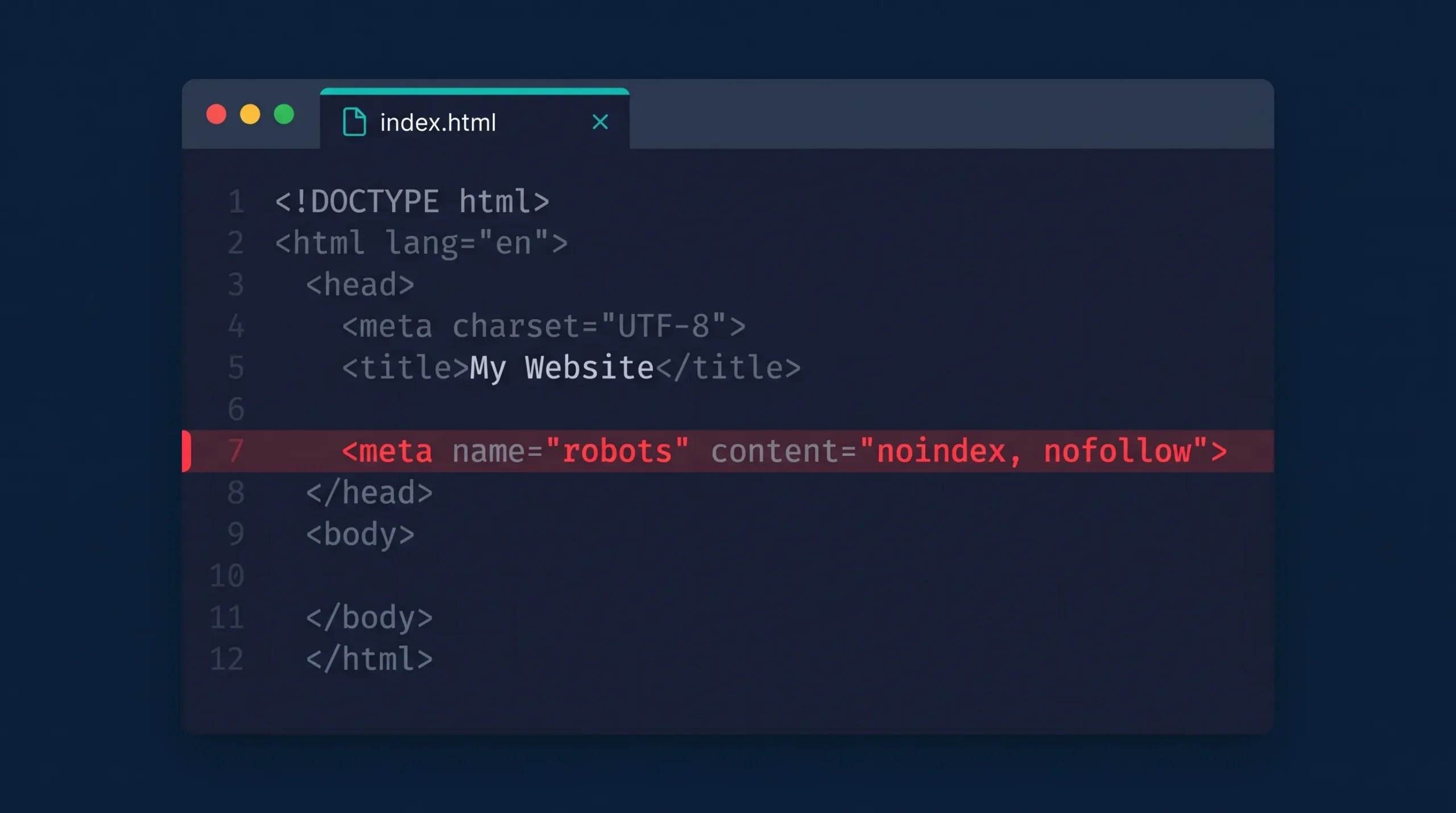
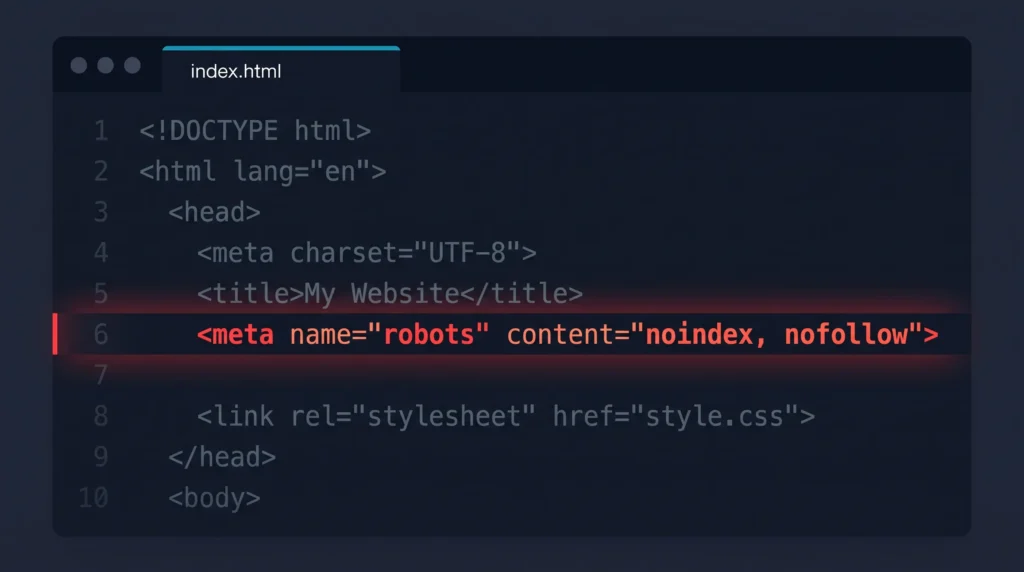
- Read the page head, not the page. The meta robots tag on the homepage and every inner page read
noindex, nofollow. That alone explained the missing rankings. - Checked whether it was sitewide. We sampled the homepage, service pages, blog posts, and archive pages. Every template carried the same tag, which meant this was a global setting, not a stray page option.
- Ruled out robots.txt. It was not blocking crawlers, and that mattered: Google has to be able to crawl a page to read its noindex tag, and later to notice that the tag has been removed.
- Traced the source in WordPress. The underlying noindex tag can come from three places: Settings → Reading (“Discourage search engines”), the SEO plugin’s global robots meta setting, or a theme or plugin override. (Note before publishing: confirm which of the three it was on this site.)
- Checked Search Console. The Pages report confirmed it, with URLs listed as “Excluded by ‘noindex’ tag.” (Note before publishing: add a screenshot if one is available.)
The Fix and How We Verified It
We switched the global robots setting back to index, follow and cleared every cache layer, so both visitors and crawlers got the corrected header right away. Then we checked the live result instead of trusting the settings screen:
- Meta robots on the homepage: index, follow, max-snippet:-1, max-image-preview:large
- robots.txt: blocks only /wp-admin/ (admin-ajax still allowed), and points to the sitemap
- XML sitemap: sitemap_index.xml returns a 200 status
- Canonical tag: correctly self-referencing on every page
- Structured data: three JSON-LD blocks generated by Rank Math’s schema settings
- Stack: WordPress 7.1.4, Elementor 4.3.5, Rank Math
After that, we resubmitted the XML sitemap and requested indexing for the key pages in Search Console. (Note before publishing: add before/after numbers from Search Console — indexed pages or impressions — once they’re available.)
Keeping a Sitewide Noindex From Happening Again
This kind of noindex issue usually gets left on after a staging copy goes live, or after a settings change nobody double-checked. These are the habits we now use on every WordPress site we maintain, alongside the basics like title and meta description tags that a noindex tag can undo in one stroke:
- Pre-launch checklist. Before any staging-to-live push, check Settings → Reading, the SEO plugin’s global robots setting, and the live page head.
- Automated monitoring. This client’s site is one of several we track on an uptime monitor that checks each site every 12 hours and logs the results to a shared sheet.
- Search Console watch. Spikes in “Excluded by noindex” get investigated the same week they appear.
Key Takeaway
A site can look perfect to visitors and still be invisible to Google. A sitewide noindex tag is the clearest example of that gap: always check what a page tells search engines, not just what it shows people. If you’re not sure your own WordPress site is indexable, get in touch for a free SEO audit — it takes us minutes to check.
Frequently Asked Questions
What is a sitewide noindex tag?
A sitewide noindex tag is a robots meta directive applied across every page of a site, telling search engines not to add any of it to their index. One misconfigured setting can take an entire WordPress site out of Google’s search results, even while the site itself works fine for visitors.
How do I know if my WordPress site has a noindex issue?
View a page’s source code and look for <meta name="robots" content="noindex"> in the <head>, or check Google Search Console’s Pages report for URLs marked “Excluded by noindex tag.” Either one will surface the problem the moment it exists.
Can a noindex tag really make a WordPress site invisible on Google?
Yes. A noindex directive applied across the whole site tells Google not to show any page from it in search results, even if the site is online, fast, and fully crawlable. That’s exactly why it’s so often missed — nothing looks broken to a visitor.