
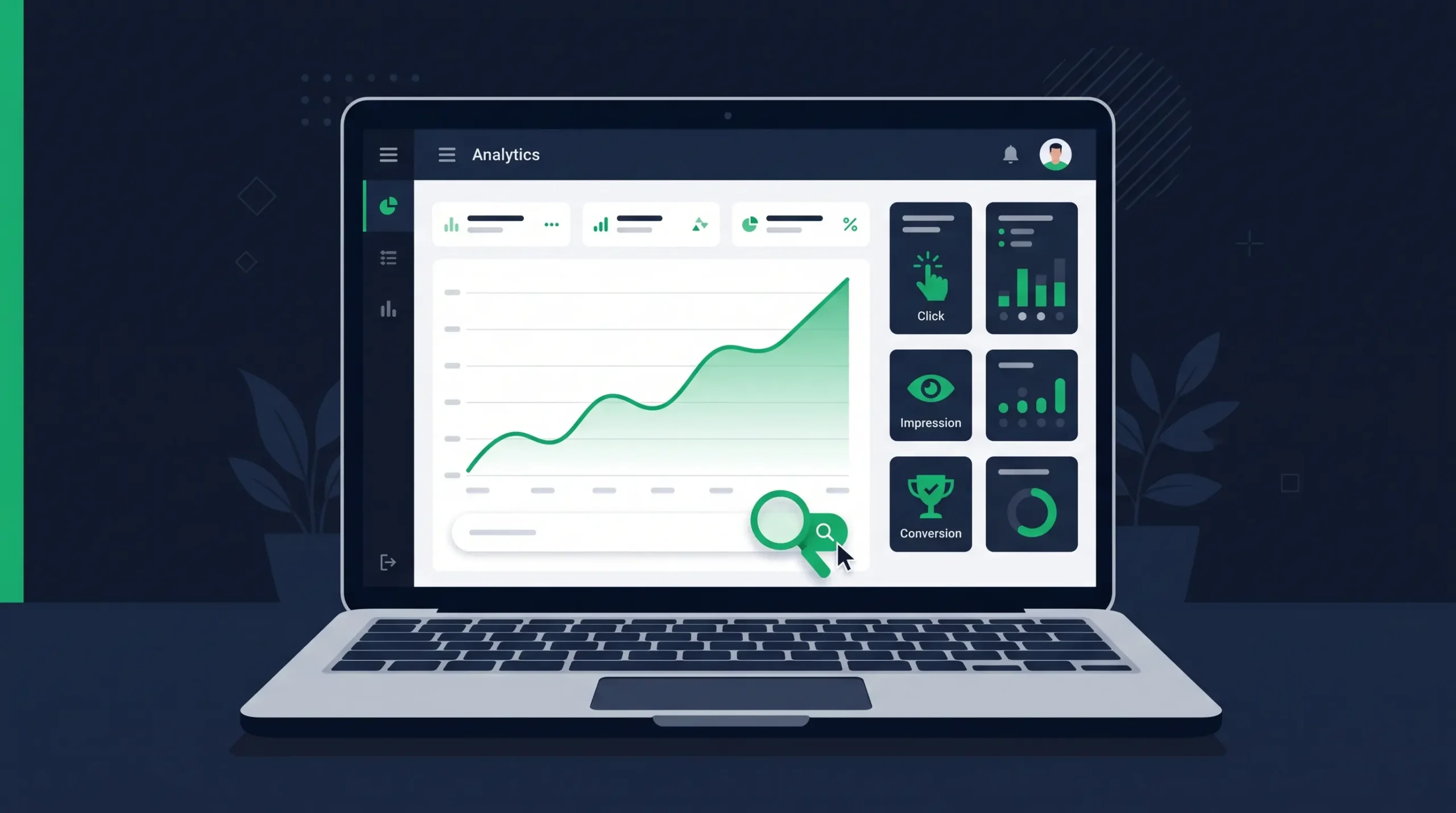
Most small business owners can tell you whether their website “feels” busier this month. Almost none can tell you whether their SEO is actually working. Learning how to track SEO performance closes that gap — it turns a vague feeling into a number you can act on, defend to a business partner, or hand to an agency and ask, “prove it.”
The good news: you don’t need expensive software. Two free tools — Google Search Console and Google Analytics 4 — cover almost everything that matters for a small business site.
Why Most Businesses Track the Wrong Things
The most common mistake is watching only one number: total website visitors. Traffic can rise while revenue stays flat, or fall while leads increase, because not all traffic is equal. A visitor from a targeted search for your exact service is worth more than a hundred visitors who bounce off an unrelated blog post.
To track SEO performance in a way that actually predicts business results, you need a short list of metrics that connect search visibility to real outcomes — not a dashboard with fifty numbers nobody checks.
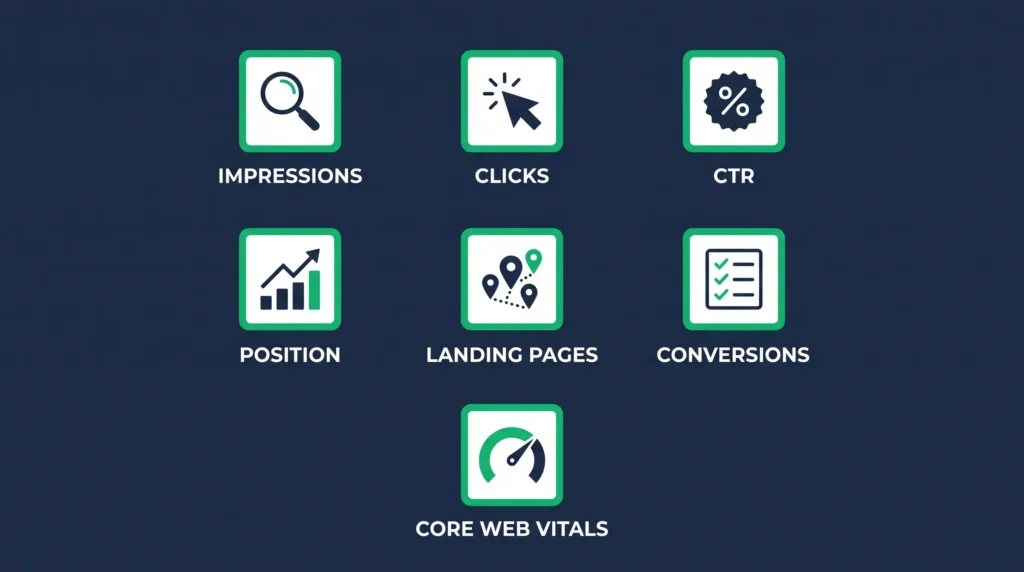
7 Metrics That Actually Matter
1. Impressions and clicks (Google Search Console)
Impressions show how often your site appeared in search results; clicks show how many people actually visited. Rising impressions with flat clicks usually means your rankings are improving but your titles aren’t earning the click — a fixable, high-leverage problem.
2. Click-through rate (CTR)
CTR is clicks divided by impressions, and it’s the fastest way to track SEO performance at the page level. A page ranking in position 5 with a 1% CTR has a headline or meta description problem, not a rankings problem — rewrite it before you touch anything else.
3. Average position
Position tells you where you rank for a given query, on average. Watch trends, not single-day snapshots — a jump from position 14 to position 8 over a month is a real signal; day-to-day wobble of one or two spots is normal noise.
4. Organic traffic by landing page
Total organic sessions in Google Analytics 4 hide which pages are doing the work. Break it down by landing page so you know whether growth is coming from your homepage, a service page, or a blog post — that tells you where to invest more content.
5. Organic conversions
This is the metric that connects SEO to revenue: form submissions, phone clicks, quote requests. If your analytics isn’t tracking these as key events yet, that’s the first thing to fix — traffic without a conversion measurement tells you almost nothing about return on effort.
6. Core Web Vitals and page speed
Google factors page experience into rankings, and slow pages lose visitors before they convert regardless of how well you rank. Check this monthly in Search Console’s Core Web Vitals report or with PageSpeed Insights.
7. Indexed pages
If Google hasn’t indexed a page, none of the metrics above apply to it — it’s invisible. Search Console’s Page Indexing report shows what’s indexed versus excluded, and why. A shrinking indexed count is often the earliest warning sign of a technical problem.
The Tools: What You Actually Need
- Google Search Console — free; shows impressions, clicks, CTR, average position, and indexing status by query and by page
- Google Analytics 4 — free; shows organic sessions, landing pages, and conversions once key events are configured
- PageSpeed Insights — free; shows Core Web Vitals and load-time diagnostics
Paid tools like Semrush or Ahrefs add keyword-volume estimates and competitor tracking, but they’re optional for a small business just starting to track SEO performance — Search Console and GA4 alone cover the metrics above.
A Simple Weekly and Monthly Routine
You don’t need to check analytics daily. A sustainable routine looks like this:
- Weekly (10 minutes): Scan Search Console for new impressions, indexing errors, or a sudden position drop on your top pages
- Monthly (30 minutes): Review organic conversions, CTR by page, and Core Web Vitals; pick one page to improve based on what you find
- Quarterly: Step back and look at the trend line, not a single month — SEO moves in months, not days
Before building this routine, make sure your tracking is set up correctly first — a broken analytics setup will quietly poison every metric above.
Turning Numbers Into Action
Tracking only matters if it changes what you do next. If impressions are climbing but clicks aren’t, rewrite the title and meta description. If a page ranks well but converts poorly, that’s a content or design problem, not an SEO problem. If indexed pages drop, check for a recent site change that may have broken crawlability. If it’s local rankings specifically that are lagging, cross-check the fundamentals in our guides to SEO competitor analysis and local business directories before assuming the content itself is the problem.
Pair this with the fundamentals: a real keyword research plan so you’re tracking terms worth ranking for, and a working understanding of what actually influences rankings so you know which metric to chase first.
Frequently Asked Questions
How do I track SEO performance without paying for tools?
Google Search Console and Google Analytics 4 are both free and cover impressions, clicks, CTR, position, organic traffic, and conversions — the core metrics most small businesses need.
Which SEO metric matters most for a small business?
Organic conversions. Rankings and traffic are useful signals, but conversions are the only metric that connects SEO directly to leads and revenue.
How often should I check my SEO metrics?
A quick weekly scan for problems, a deeper monthly review to guide decisions, and a quarterly look at the overall trend. Daily checking usually just adds noise.
Why are my impressions rising but clicks aren’t?
This usually means your rankings are improving but your title tag or meta description isn’t compelling enough to earn the click. Rewrite them to be more specific and benefit-driven, then monitor CTR over the following weeks.
Want help setting up tracking or acting on what it shows? Get in touch with Arco Web Design — we’ll help you track SEO performance the right way and turn it into a plan.